Generate New Leads with a High Converting Funnel
Learn how to generate leads using your own funnel, form, and domain to capture and convert visitors automatically.
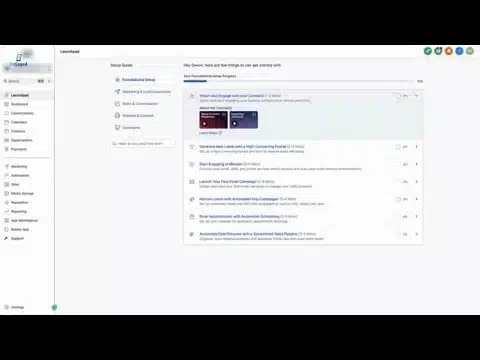
Master Your Sales Pipeline: Step-by-Step Setup Guide
Configure a custom sales pipeline for opportunity management, stage tracking, and automated follow-up sequences.
How To Manage Conversations
Centralize every inbound message, SMS, email, and chat into one unified inbox and respond in real time.
Capture New Leads with Facebook and Instagram Lead Ads
Connect your Facebook and Instagram lead ad forms so every new lead lands directly in your CRM automatically.
How To Set Up and Use Reputation Management
Automate review requests after every job, monitor your ratings, and respond to Google reviews from one dashboard.
Accelerate Deal Closures
Send proposals, collect e-signatures, and trigger automated follow-ups to move deals from quote to closed faster.
Book More Appointments
Set up your calendar availability, embed a booking widget, and let prospects self-schedule calls without back-and-forth.
Launch Your First Campaign
Build an email or SMS campaign, segment your contact list, and schedule your send from start to finish in minutes.
Generate and Send Professional Invoices
Create itemized invoices, add your branding, and collect payments online or via text-to-pay in just a few clicks.
Voice AI Platform Demo
Watch Bookline Voice AI answer calls, book appointments, and handle FAQs 24/7 with a natural-sounding AI receptionist.

Mastering the Mobile App
Manage contacts, check your pipeline, reply to conversations, and run your business from anywhere with the mobile app.
Platform Features Demo
A full walkthrough of the CRM, automations, landing pages, calendars, and everything included in your EnGaged account.
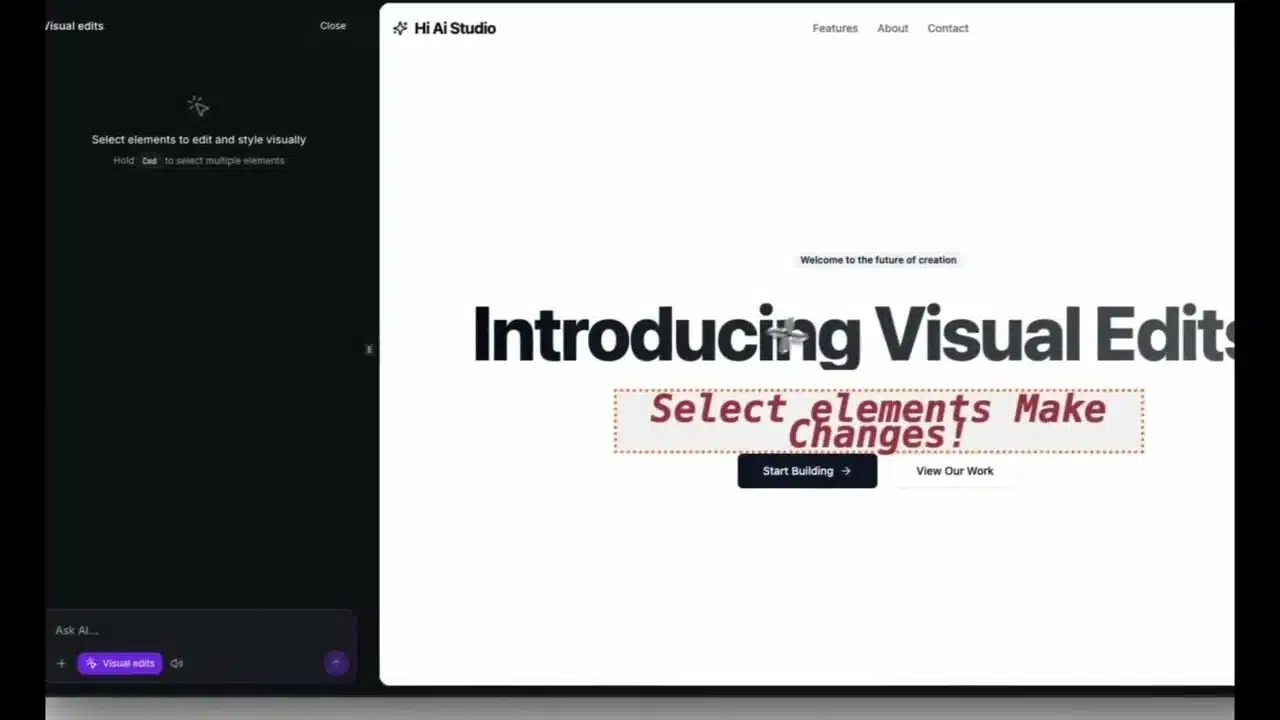
Smart Starts Package Overview
See exactly what comes with a Smart Start: website, CRM setup, automations, and a 30-day onboarding sprint to get you live fast.